01
InkDot
Source information
Structure rooms, requirements, specifications and documents. Keep the source in sight.
Explore InkDot & Revit toolsZ.A.I. / Project intelligence
Bring models, requirements, documents and decisions into one traceable project context.
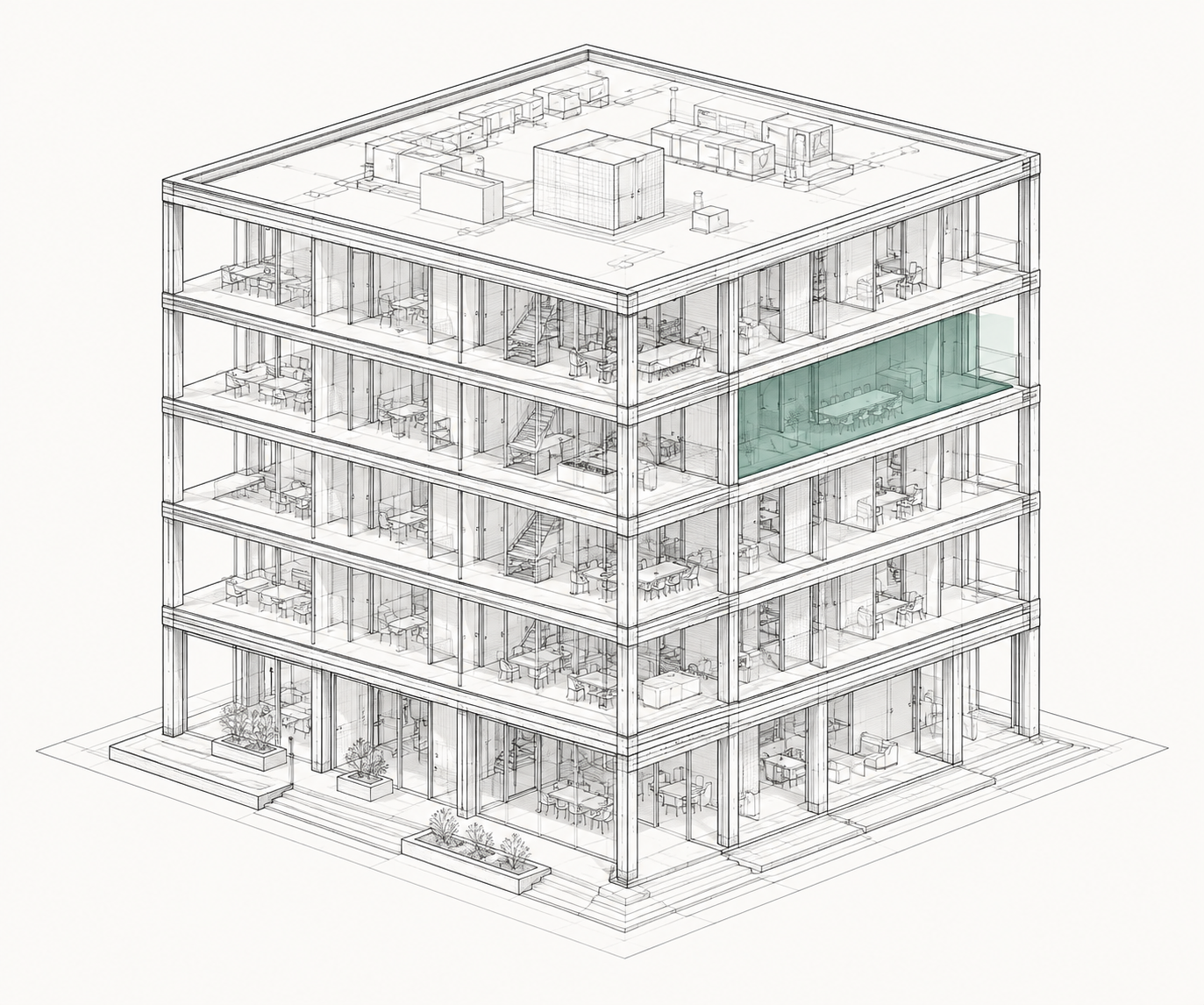
InkDot anchors the records. InkLine aligns the work. InkBoard makes it readable. InkBlock connects the whole.
01
Source information
Structure rooms, requirements, specifications and documents. Keep the source in sight.
Explore InkDot & Revit tools02
Relationships & actions
Connect information to tasks, decisions and changes. Understand what happens next.
Explore InkLine03
Shared project views
Bring connected information into useful views. Review the project together.
Explore InkBoardA Revit connector can extract model elements, rooms and parameters. Revit remains the author of model geometry and actual model state.
Connector tools exist; connected web synchronization is planned.
Follow one connection
See how a source record becomes a requirement, a review task and a shared project view. Try the illustrative workflow without an account or a model.
Explore the example